How to Clean Shopify Data for Accurate LTV Calculation
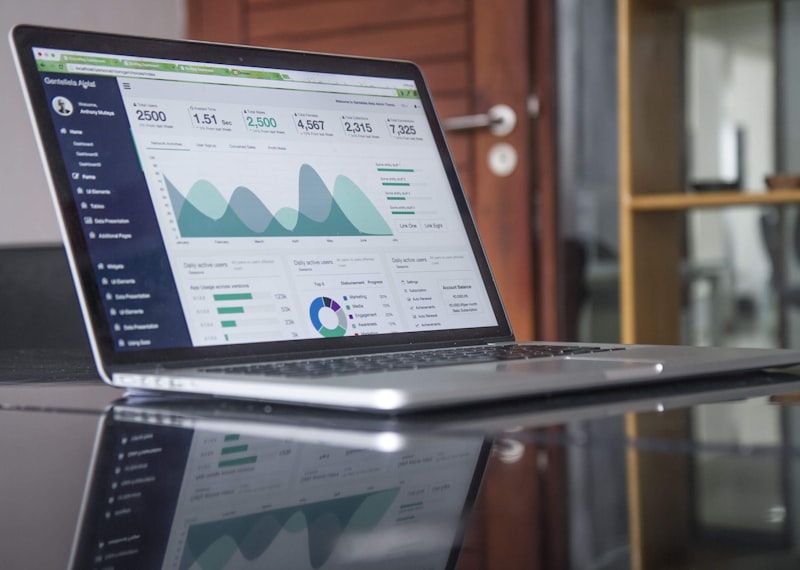
Shopify's built-in analytics dashboard is excellent for a daily snapshot, but it often obscures the true health of your customer base. To understand Customer Lifetime Value (LTV) or Cohort Retention, you need to export the raw data and get your hands dirty.
The Problem: Raw Shopify exports (orders.csv) include refunded, cancelled, and voided orders as positive revenue lines in many columns. Summing the Total column will inflate your revenue by 10-15%.
Step 1: Handling Refunds & Cancellations
Before you calculate LTV, you must clean the dataset. In Lumina's Data Workbench, look for the financial_status column.
You should filter out or negate rows where the status is:
- refunded
- partially_refunded (Requires complex logic)
- voided
Pro Tip: Use Lumina's "Drop Rows" feature on the financial_status column to instantly remove these outliers.
Step 2: Aggregating by Customer
LTV is a customer-centric metric, not an order-centric one. You need to pivot the data.
If you were using SQL, you would run:
SELECT email, SUM(total_price) FROM orders GROUP BY email;
In Lumina, you can simply ask the AI Assistant:
"Group this data by Email and show me the sum of Total Price for the top 20 customers."Step 3: Analyzing Cohorts
True insight comes from seeing when high-value customers were acquired. Compare the LTV of customers acquired during your "Black Friday" sale vs. those acquired via "Instagram Ads" in July.
According to Shopify's own research, repeat customers generate 40% of a store's revenue. Identifying which channel brings in repeat buyers is the key to profitability.
Unlock Your True Customer LTV
Connect your Shopify data to Lumina and get clean, AI-ready customer analytics in minutes.
Get new insights in your inbox
No spam. Just new articles on industrial AI, data sovereignty, and the reasoning layer, sent when we publish.